YouTube sucks. Whilst you cannot fix the whole site, you can change how you see it. That's what this list of tools, all tested by me, will help you do. Tools are listed from easiest to hardest.
Table of Contents
Browser Extensions
These little programs add new functions to your web browser. All those shown below support both Chromium-like and Firefox-like browsers, with all but ReturnYouTubeDislike also supporting Firefox on Android.
By far, the easiest way to grant yourself a better experience. You can keep using your YouTube account as you normally do, now with less distractions in your way. The clients in Section 2 will integrate many of these features, so it's helpful to familiarise yourself with them.
uBlock Origin
With little setup, uBlock Origin blocks all advertisements and some tracking scripts from loading, safeguarding you from seedy salesmen and laborious loading times. Read my full guide on adblocking here. For what it cannot cover:
SponsorBlock
SponsorBlock (SB hereafter), created by Ajay Ramachandran, can automatically skip sponsored segments of videos, amongst other things. Timestamps for these bothersome shillings are fetched from a big database kept up-to-date by a dedicated community.
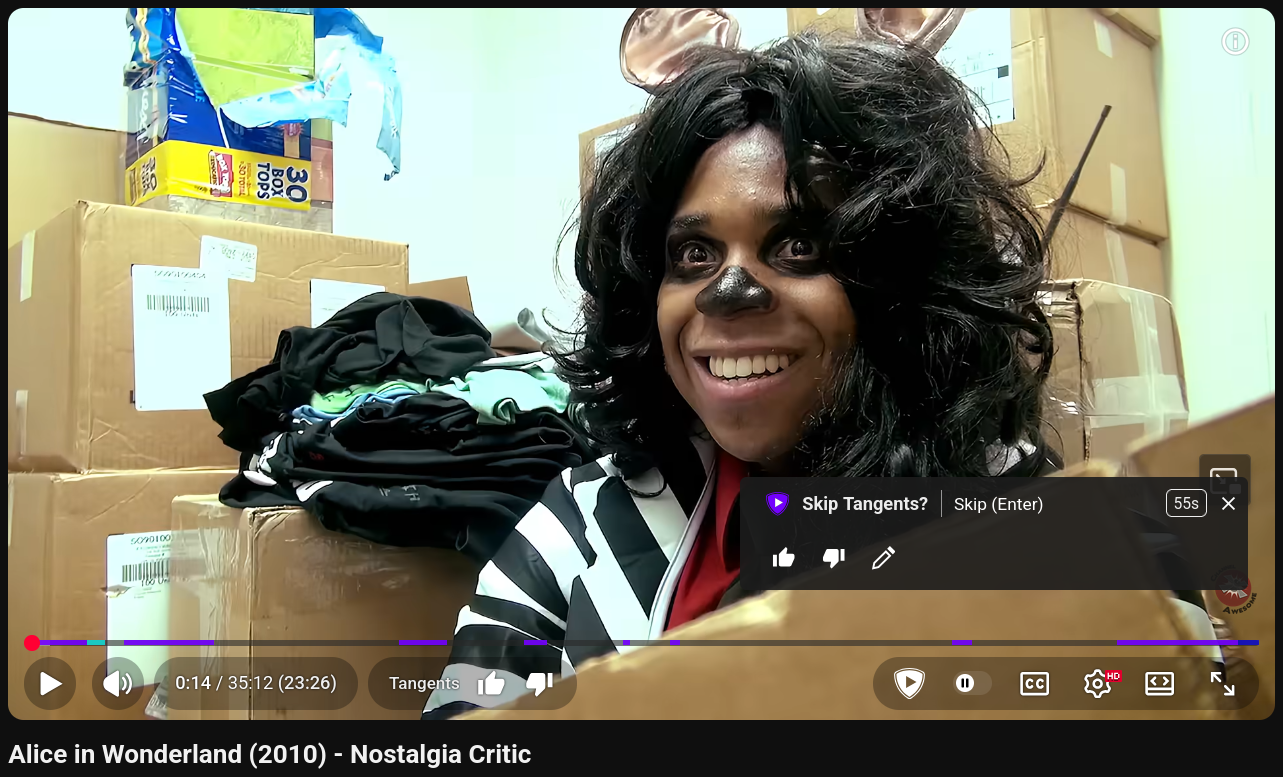
On installation, here's a few settings you might wish to tweak:
- The Behaviour tab shows all the categories covered. Automatic does what it says on the tin, but Manual lets you skip with a keypress if you want
- By default, SB reports whenever you skip a segment; if you're concerned about privacy, you can disable this by toggling off Enable skip count tracking under Miscellaneous
- the SB server uses CloudFlare as a caching service, which involves some forms of logging; to avoid this, go to Miscellaneous and change SponsorBlock server address to
https://api.sponsor.ajay.app
DeArrow
The second offering from Ajay Ramachandran, DeArrow (DA hereafter) is a weapon against YouTube's next biggest problem: clickbait. Alternative, more accurate titles are submitted by users. Where no alternative exists, it's possible to reformat titles to remove irksome elements such as all uppercase words and emoji. Likewise, users can submit the most representative frame of a video to be its new thumbnail, otherwise defaulting to a random frame.
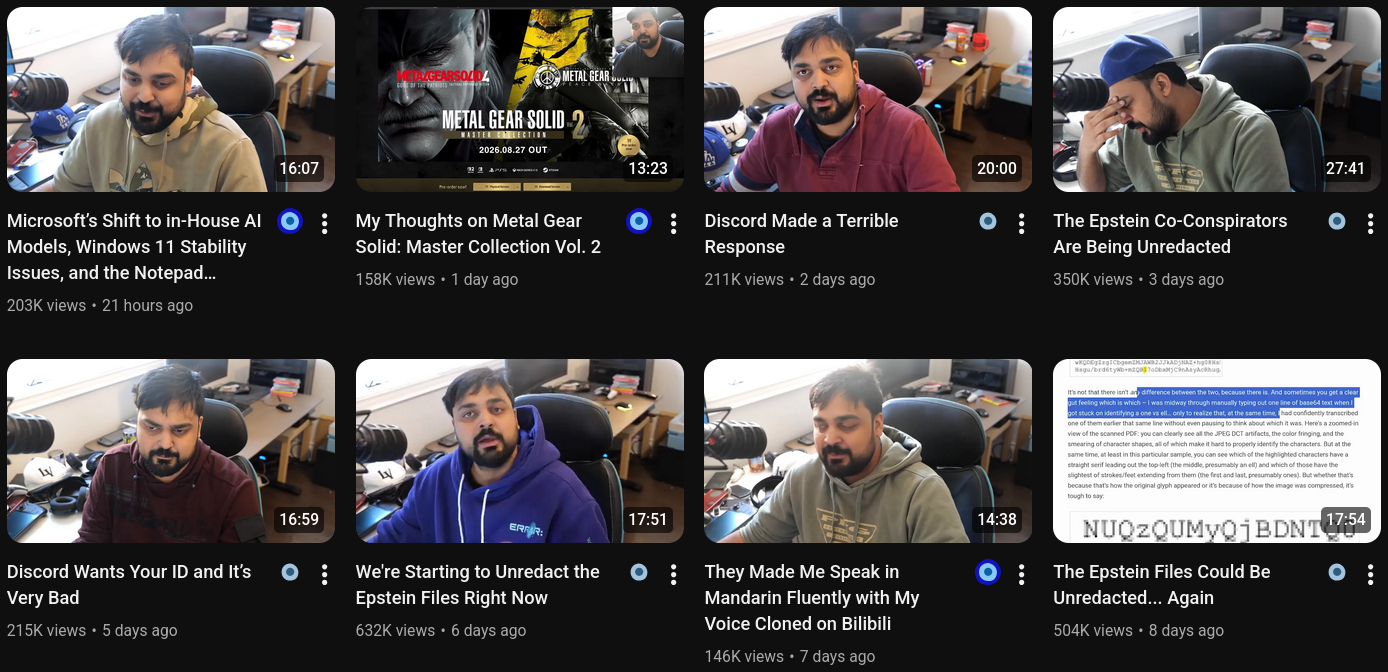
Unlike the others, this extension has a timed paywall: you can either make a donation of at least US$1 or wait up to 12 hours. I understand that software isn't made for free, but I do not like this practice.
The ideal settings are a lot more subjective this time, so I advise playing around to see what you like best. The one thing you may wish to change is this: under Miscellaneous, change Use Thumbnail Generation Service to either On All Pages Except Video Pages or Never.
ReturnYouTubeDislike
At the end of 2021, YouTube removed the visible dislike counter for videos. ReturnYouTubeDislike (RYD hereafter) by Dmitry Selivanov brings it back using a mixture of historic data scraped before the removal and extrapolated data from dislikes given by users of this extension. As such, the dislike counts you see might not be fully accurate.
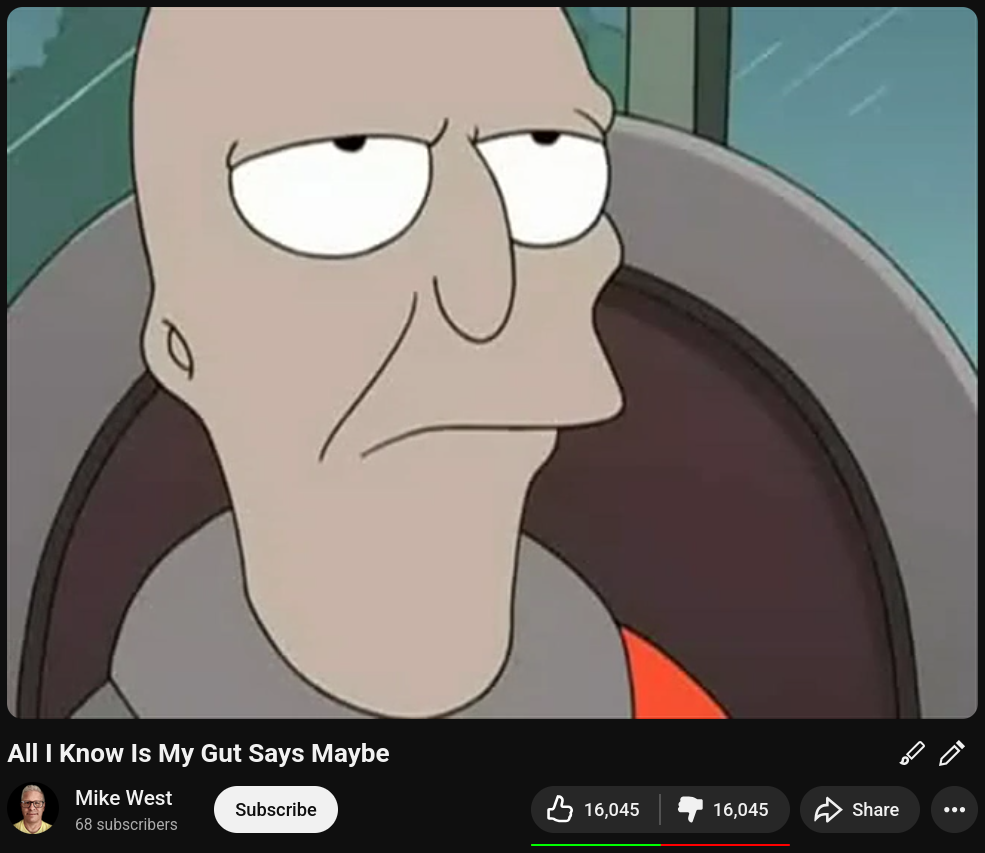
If you do not want your dislikes to be counted, toggle on Disable like/dislike submission. Aside from that, the settings are quite bare bones. I like to keep the ratio bar's classic colours, for I am an old man who finds comfort in the good old days of 2013.
AnnotationsRestored
Before 2019, there was this feature called Annotations: little boxes shown in front of a video. They held text, links, or both. Due to a lack of support on mobile devices, they were replaced with the standardised, but limited, End Cards. AnnotationsRestored by Issacd brings them back on videos that had them, if they were archived in time.
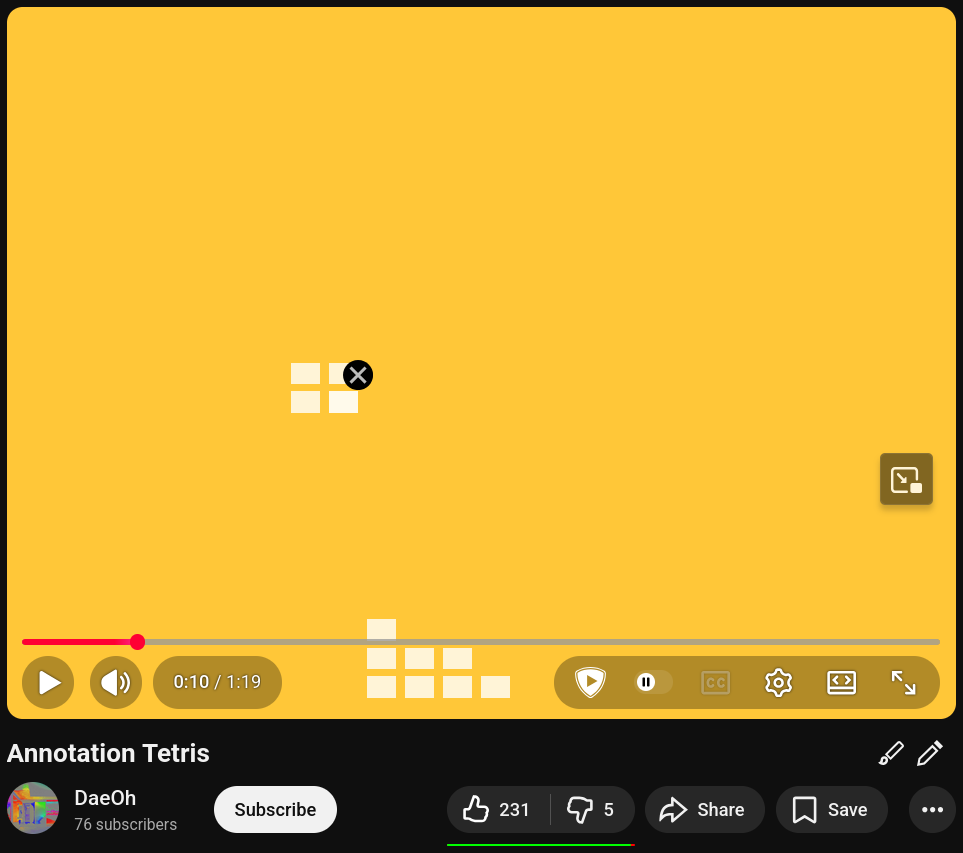
This is probably the most narrow use case so far, but it can be fun to turn back the clock. The GitHub project's wiki has a few videos to try this on. This extension was last updated in 2022, yet, miraculously, it still works with only a small bug: sometimes you'll need to refresh the page for the annotations to show up.
LibRedirect and a Word on Frontends
What LibRedirect does is take any link to supported websites that you visit, and redirects you to a special kind of web application called a frontend. It fetches data from the target website and presents it to you in a cleaner way, without needless JavaScript, cookies, or clutter. For our purposes, this is a middleman between you and the Tube.
When loading a video, YouTube will see the frontend website's IP address instead of your own. Sadly, this use of a single address by many persons leads to it getting blocked should it become too popular. And Google has gotten quite aggressive with these in the last few years. If you can find one that still works, splendid; but don't count on it.
Alternative Clients
Much to Google's dismay, these are applications that allow you to access YouTube, other than the official apps and website. You can watch videos, subscribe to channels, create playlists, and save history; all of this with less tracking, lower data usage, and no advertisements! They also support features from the extensions shown above.
Whilst most tracking from YouTube is avoided, such as cookies and JavaScript, they do still see your IP address, wherewith they can track your usage habits. This is a consequence of connecting to YouTube directly, but can be reduced through use of a VPN. Some clients will try to circumvent this with especial proxy services, but these can be unreliable for the reason stated above.
Since their feature sets are much alike, I will cover only the differences of note.
The trade off being, since they do not use your Google account, everything is stored on your machine. Subscriptions, playlists, and history will not automatically syncronise. This might be inconvenient if you watch on many devices. Nor can you like or comment on videos. However, there are options to import your important data and save yourself some time.
Exporting YouTube Data
To export the relevant data from your YouTube account, follow these steps:
- Go to
takeout.google.com/takeout/custom/youtube, log into your account if you have not done so already - Under Create a new export, make sure YouTube is the only one selected
- Click on Multiple formats, make sure history is set to JSON, and click OK
- Click on All YouTube data included and uncheck everything other than history, playlists, and subscriptions
- Click on OK and then Next step
- On the next screen, I advise choosing Send download link via email and keeping everything else the same
- Click on Create export, and a link to a
.zipfile should be sent to your e-mail address - Download and extract the
.zipfile
The steps to import these into the below clients will be slightly different for each, but all involve pointing to the respective files on your device.
Here's a table of what can be imported into what:
| Client | Subscriptions | Playlists | History |
|---|---|---|---|
| NewPipe and its Forks | YouTube and self | Self through full app backup | |
| LibreTube | YouTube, NewPipe, and FreeTube | YouTube, FreeTube, and Piped | YouTube |
| FreeTube | YouTube, NewPipe, Invidious, and self | Self | YouTube and self |
NewPipe and its Forks
NewPipe (NP hereafter), created by Christian Schabesberger, is the most popular alternative client. Being one of the oldest of its kind, from ye olde 2015, it lead the way for those that come after. The original is still perfectly useable, but I prefer a fork named Tubular, which incorporates the aforesaid SB and RYD.
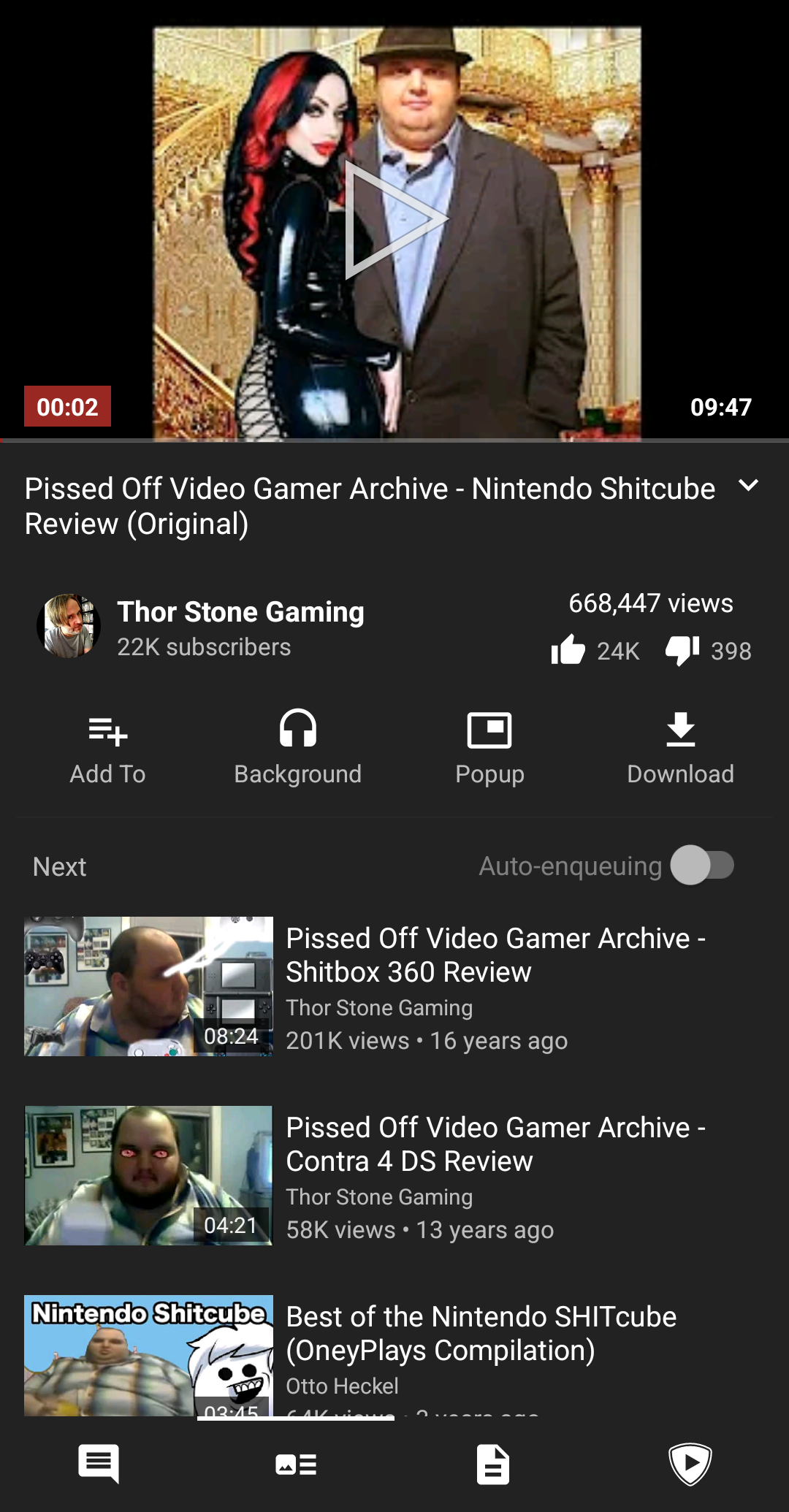
NP has the best choices when opening links, giving you this little menu. It's handy if, say, you want to quickly save a video for later. But you can also set a default choice if you only ever pick the same thing.
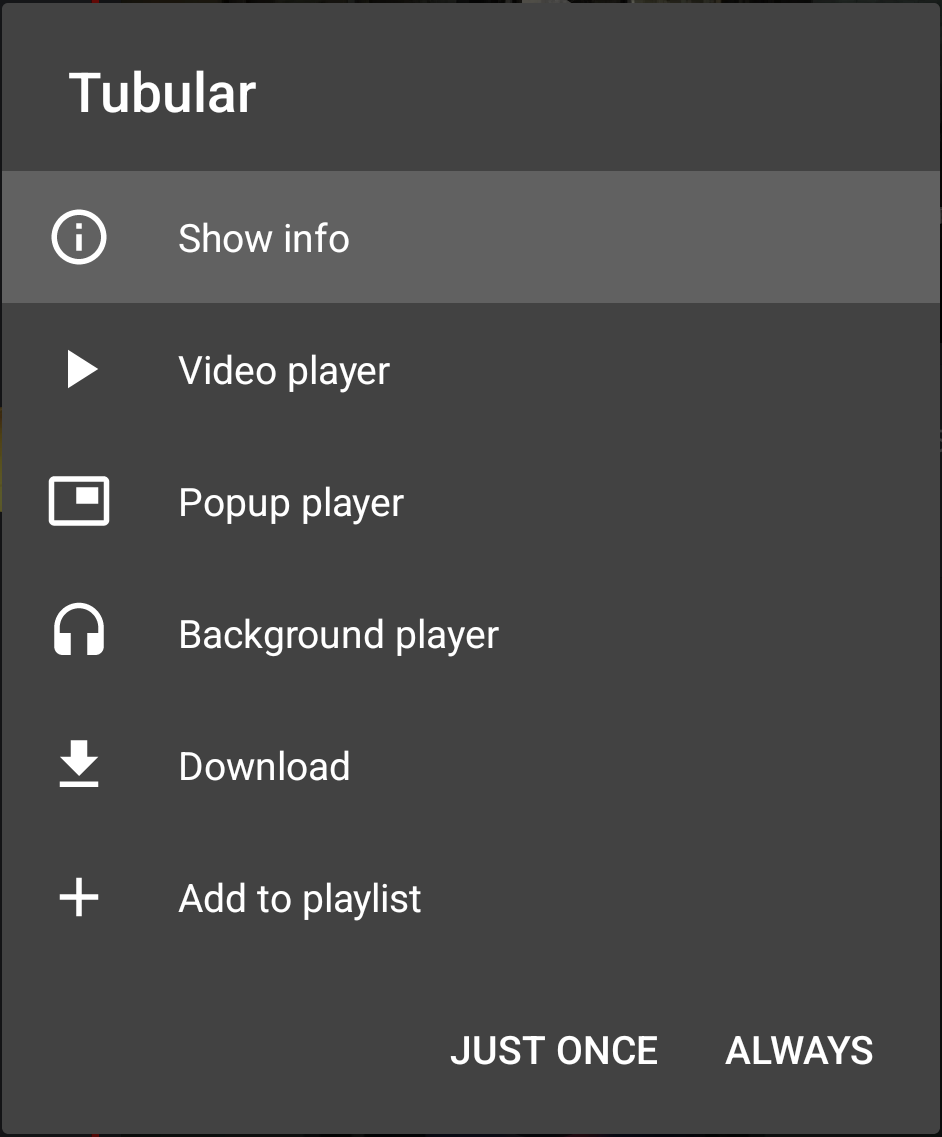
It also has the best video downloader, being the only one that can fetch both picture and sound together in a quality above 360p.
As I said the app is mostly stable, but does suffer from the occasional crash when playing in the background or rotating the screen. It's not common enough to render it unuseable, but enough to be irksome.
LibreTube
LibreTube (LT hereafter) is a newer client, supporting SB, DA, and RYD out of the box. It uses the same format for subscriptions as NP, making switching easy as pie. Moreover, it supports the highest number of import formats.
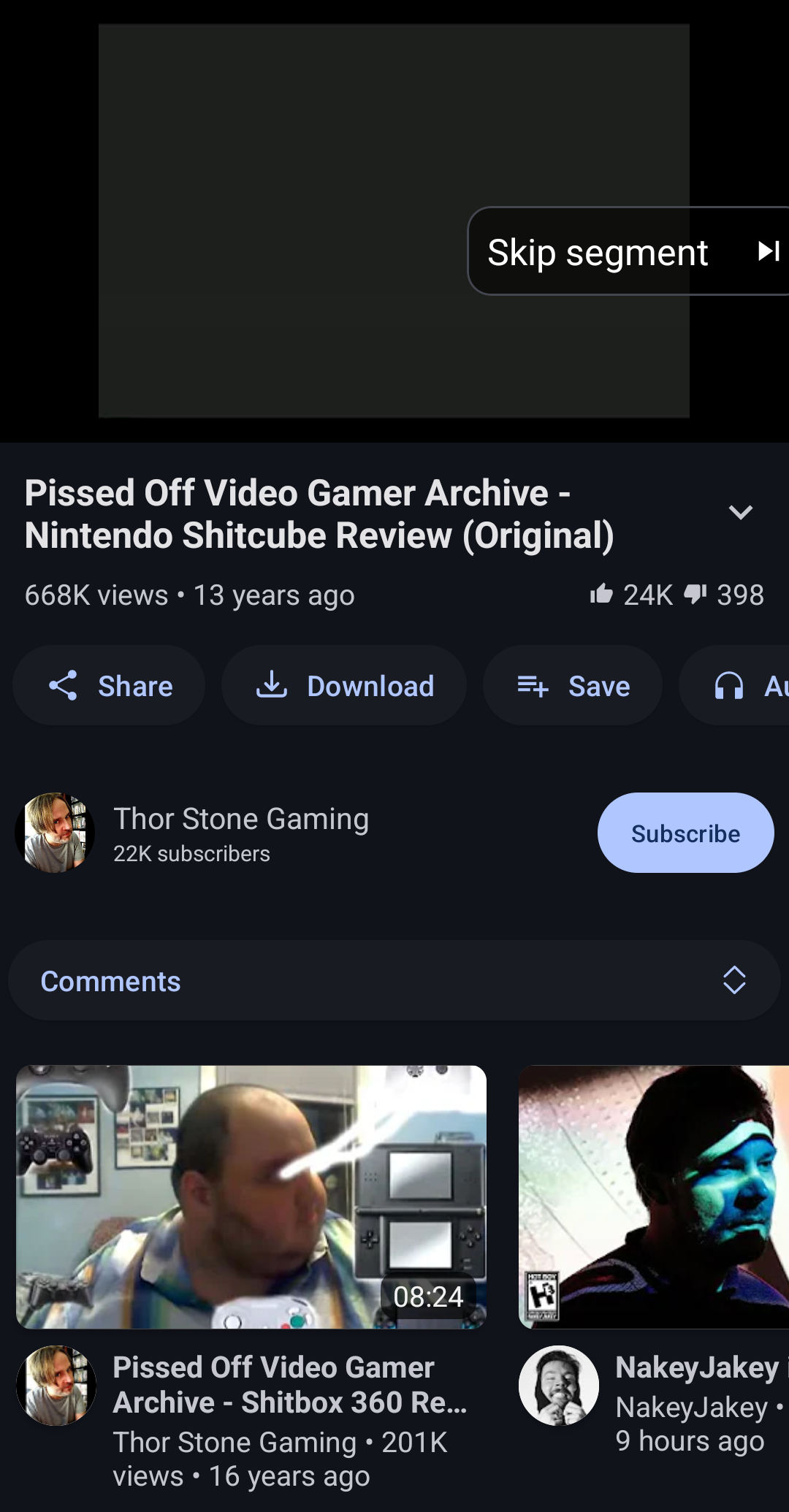
If you ask me, the layout is a little more polished than NP. Small updates such as related video scrolling horizontally, so you can still see the player, are much appreciated.
LT tries to circumvent IP address tracking using something called a Piped server, one of those frontends I wrote of above. Sadly, tries is the best word I can find, when all of the built-in instances have been blocked long ago.
It will try to use Piped by default, so you will need to go into Settings and toggle on Full local mode to change this. If you're still having playback problems, then toggle off Use HLS in the same section. Past that hurdle, the app works just fine.
One big issue I have with LT is with downloading videos: they are kept in what's called its external private storage; perfectly watchable through LT, but most other applications, including file managers, cannot access it. This is highly inconvenient for those who like archiving.
FreeTube
FreeTube (FT hereafter) is much like the above, only for desktop computers. It also accepts NP's format for subscriptions.
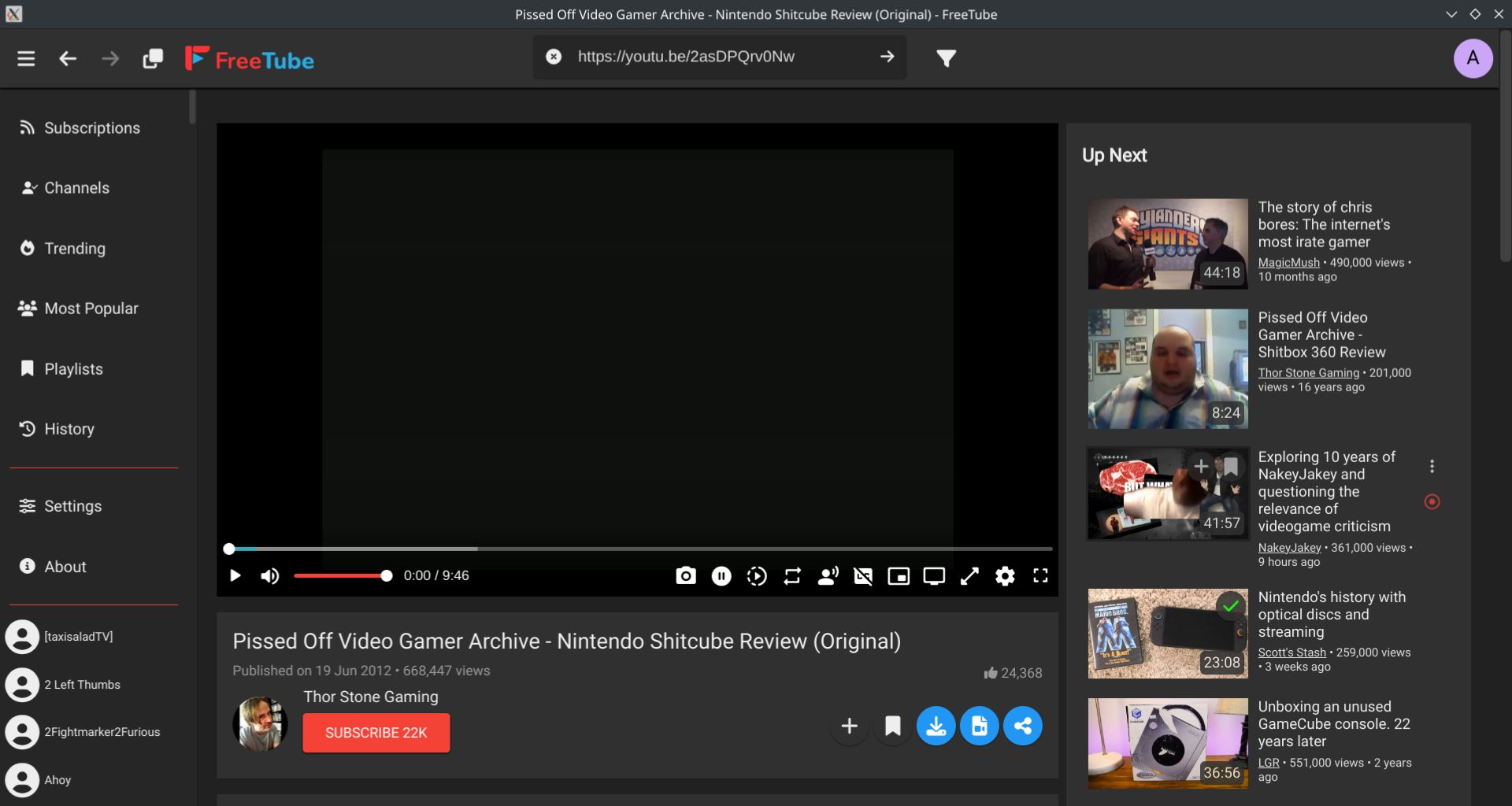
Much like LT, FT uses Invidious to fetch information; I've not had better luck with the default instances this time either. What's handy though is it can try a direct connection if the instance fails, should you switch on Revert to non-preferred backend on failure.
FT's standout feature for me is the screenshot-taking function.
FT does not allow manual skipping for SB and has less fine control over which titles or thumbnails to use with DA.
FT can download most videos without problem, but picture and sound must be download separately. So better than LT, but worse than NP.
Other Tools
Other interesting tools which don't fit anywhere else. Be aware that all of these tools are closed-source, so I advise the use of a content blocker like uBlock Origin (read my guide).
Filmot
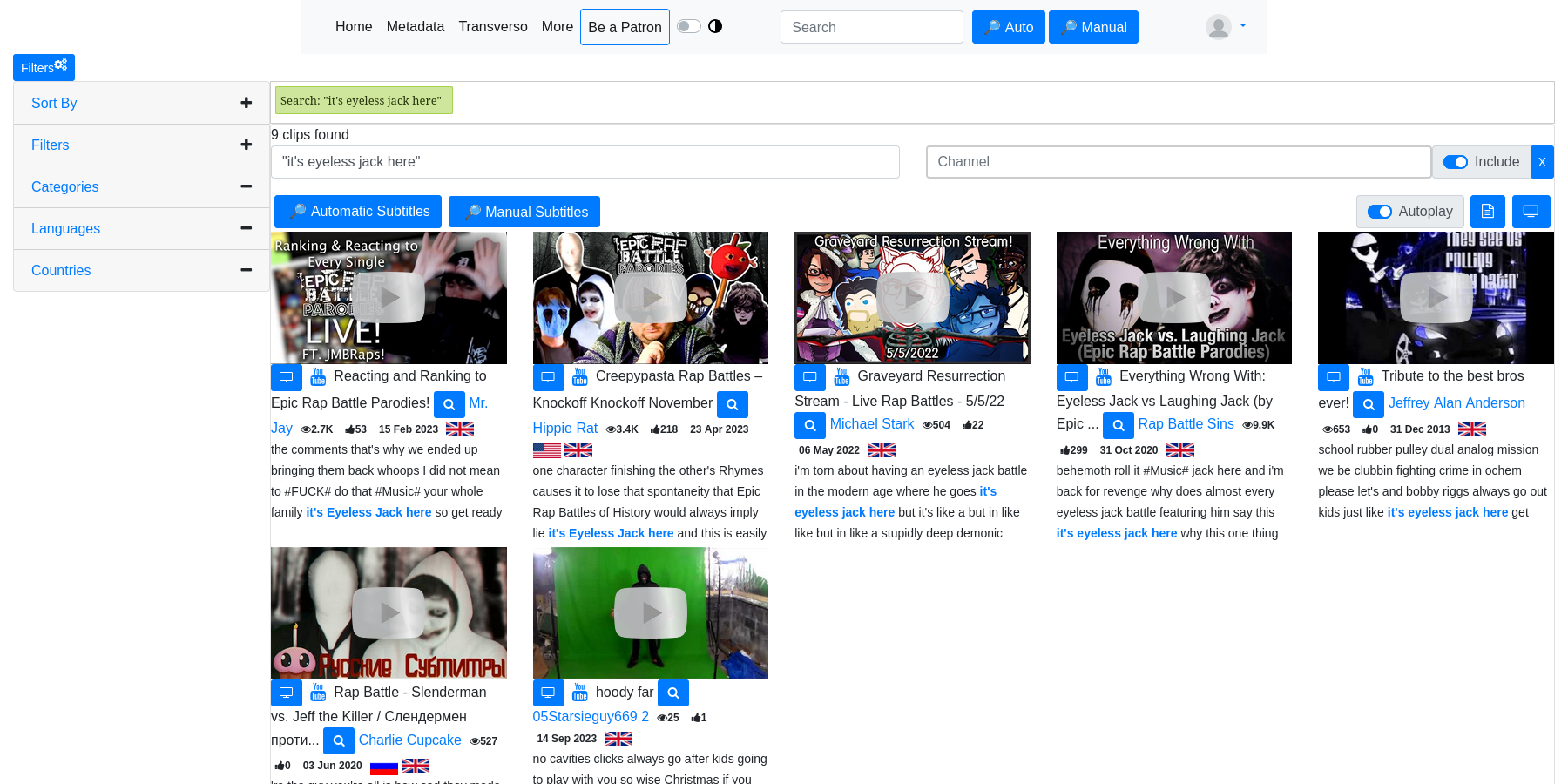
Filmot is a website that lets you search more easily within YouTube subtitles. If you recall something said in a video, but not its title, then this might be the tool for you.
CommentFinder
CommentFinder is a website that lets you search within YouTube comments on a chosen video. There are many websites like it, but this one has the most information and lets you search without an account, both for free. I have not tried their premium features, so I cannot attest to their usefulness.
ObscureTube
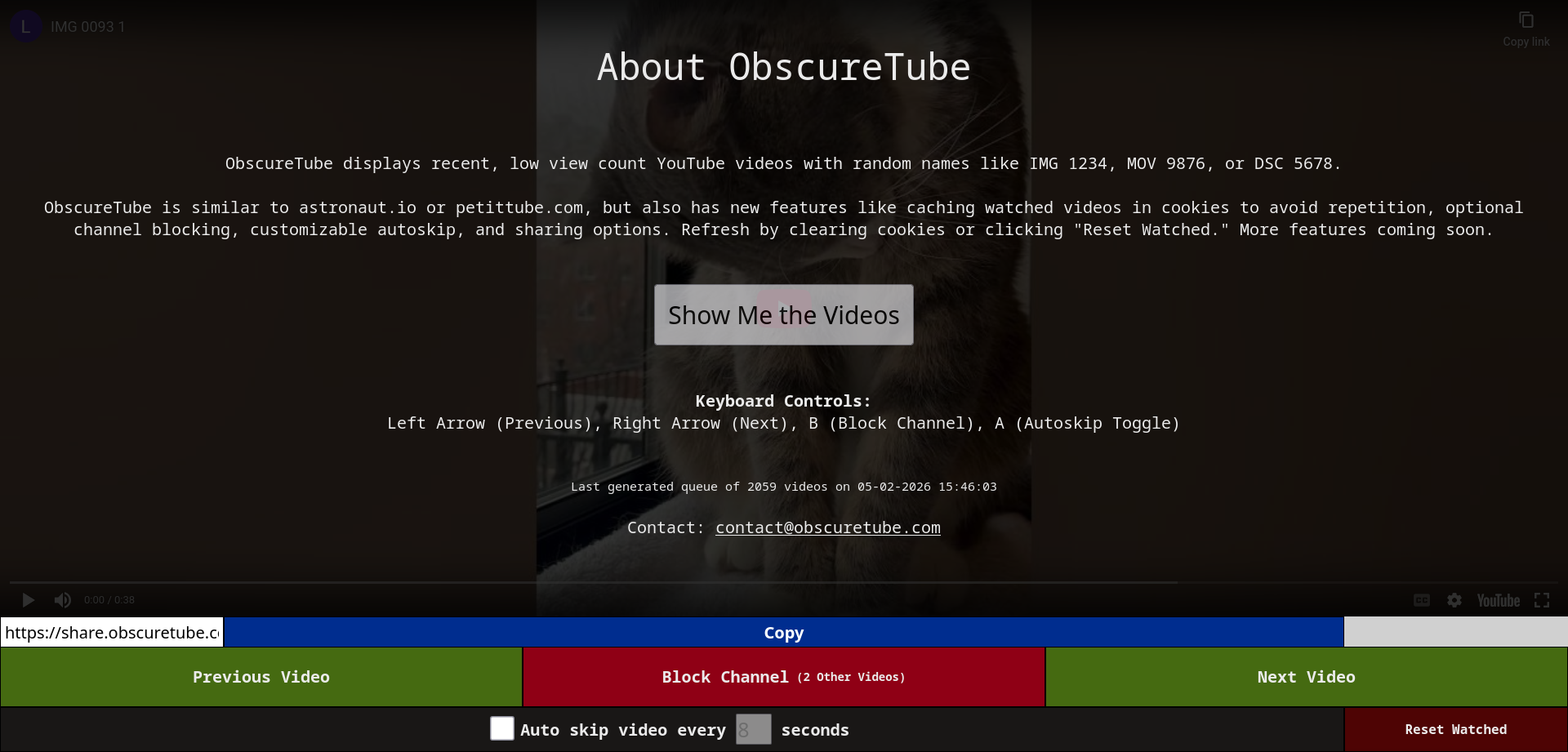
ObscureTube is a website that randomly displays videos with low view counts and unusual names. More of a novelty. Might be fun.
Acknowledgements
The following projects I recommended accept donations:
See Also
- yt-dlp GUI Guide: An extensive guide to YouTube video downloaders with a graphical user interface. I may dedicate a section to video downloaders if there is enough interest. Sadly, I had to stop somewhere, lest this guide never see the light of day.
- r/FREEMEDIAHECKYEAH's index of YouTube tools: A great big list with more tools than I could ever hope to test. However, they do not distinguish between free and paid or open and closed-source tools. Nor do they give any opinions on the tools listed. So, use at your own risk.